Traditional elearning software makes your admin work harder than it needs to be. We built 7taps to change that. Everything you need in a big team is now available in 7taps — meet granular permissions, timezone flexibility for training delivery, and reporting that actually reflects your work.
Here’s what’s new.
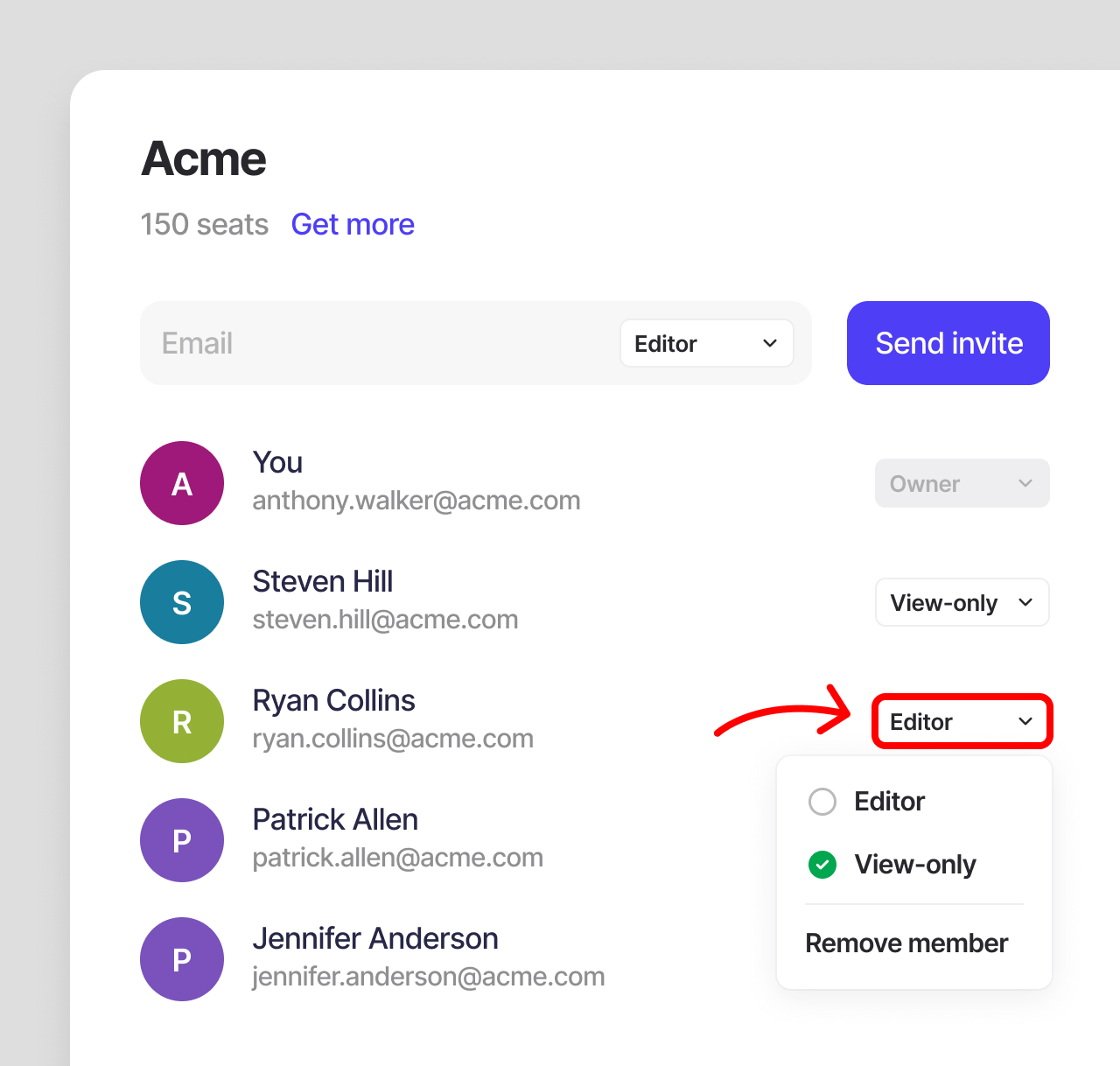
View-only role in teams
Until now, everyone on your team had the same access. Create courses. Edit courses. Share. Manage learners. Run analytics. That works for smaller teams. But at scale, you might appreciate more control.
We’re introducing a “View-only” role for team members that can see everything you build — courses, Learning Paths, analytics, learner data — but can’t change anything.
They can comment on courses during review and request SME feedback. But the actual work stays with your creators.
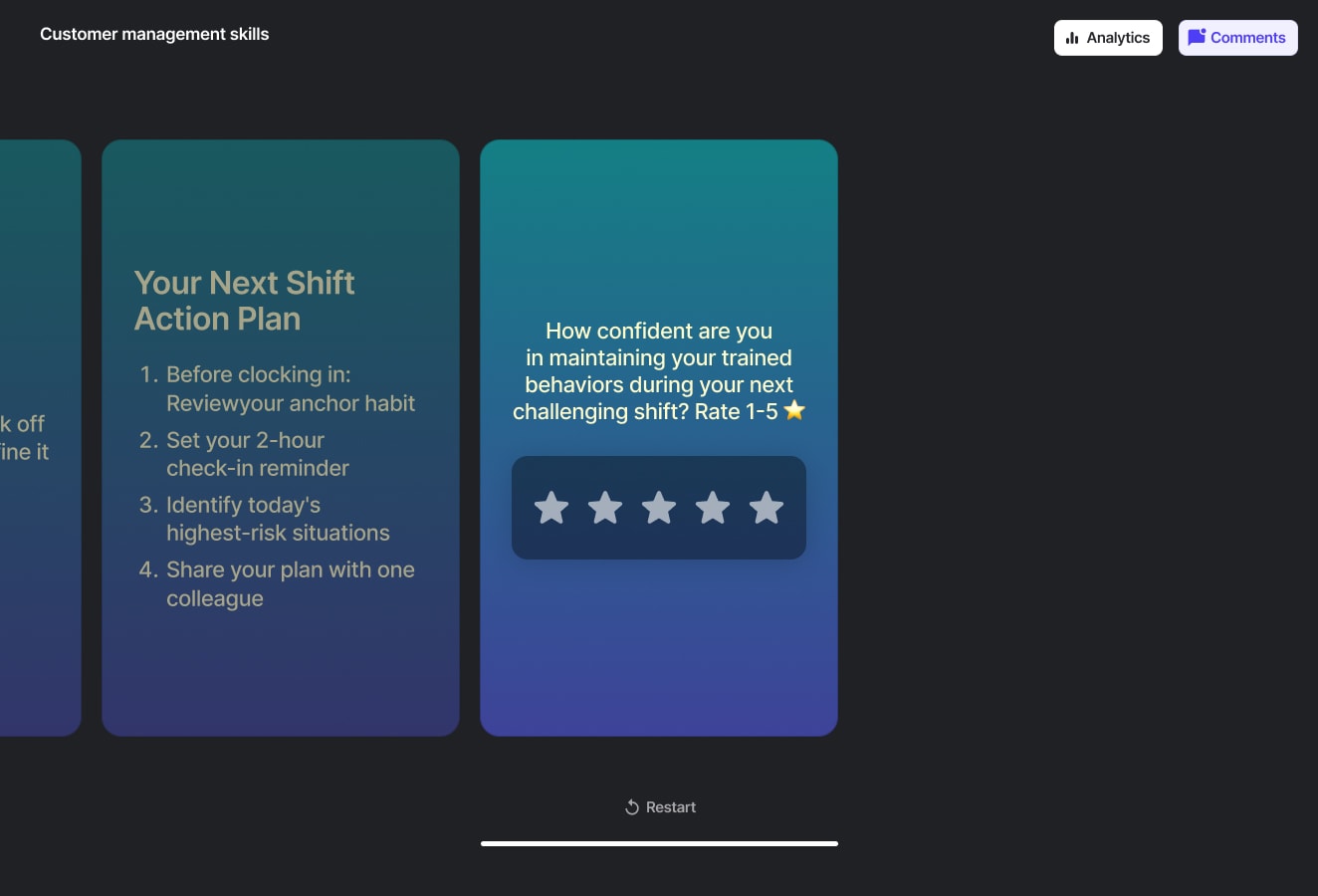
Team owners can assign and manage the View-only roles from My team menu. Use it for stakeholders, executives, new team members being onboarded, or anyone who needs visibility without decision-making power.
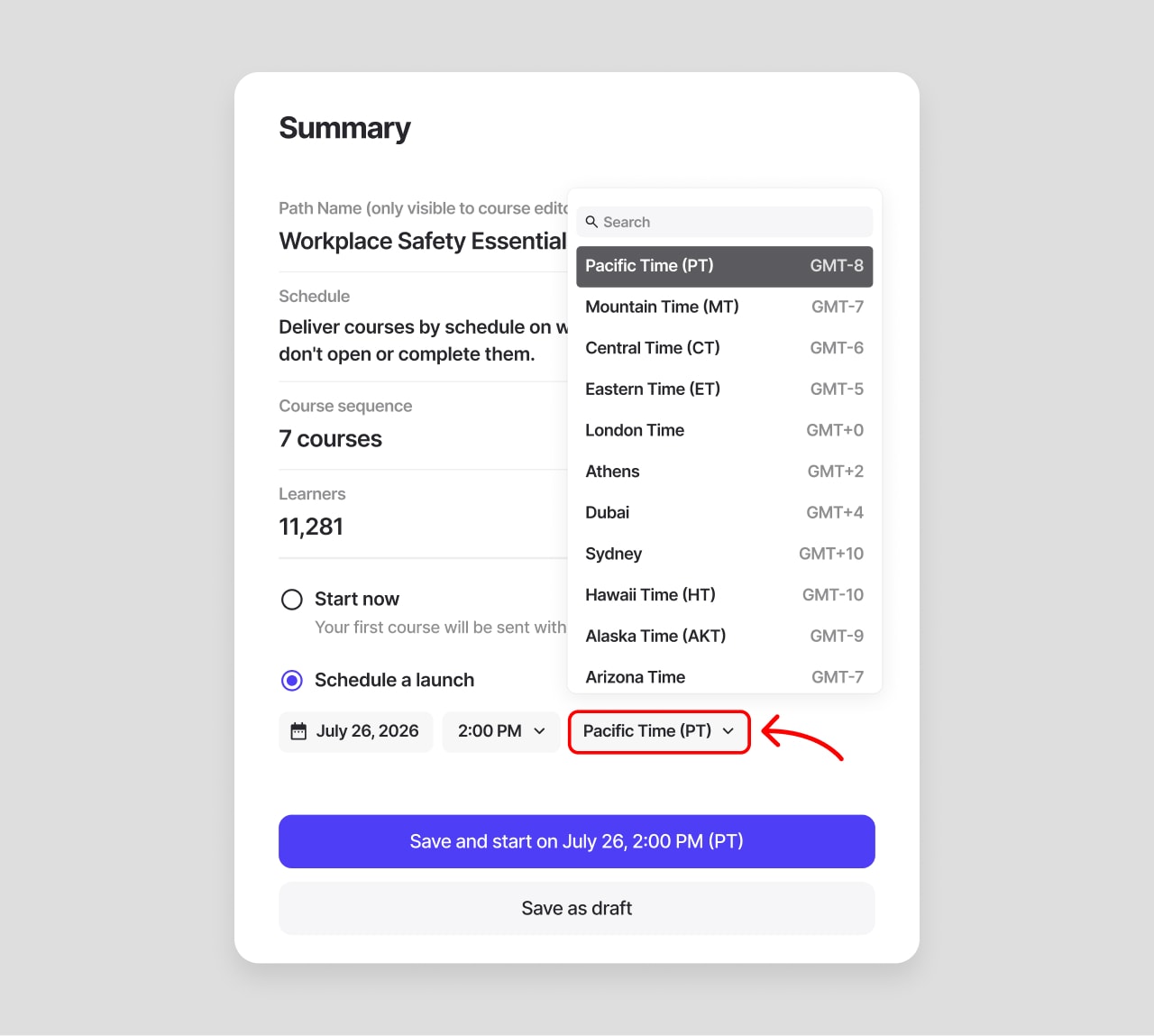
Timezone selector for Learning Paths
Scheduling courses used to be linked to the creator’s time zone. Quite a bit of math for teams that worked with learners across the regions.
Now when you set a Learning Path launch time, you pick the timezone too. If you need to deliver to multiple time zones, just create Learning Paths for each region.
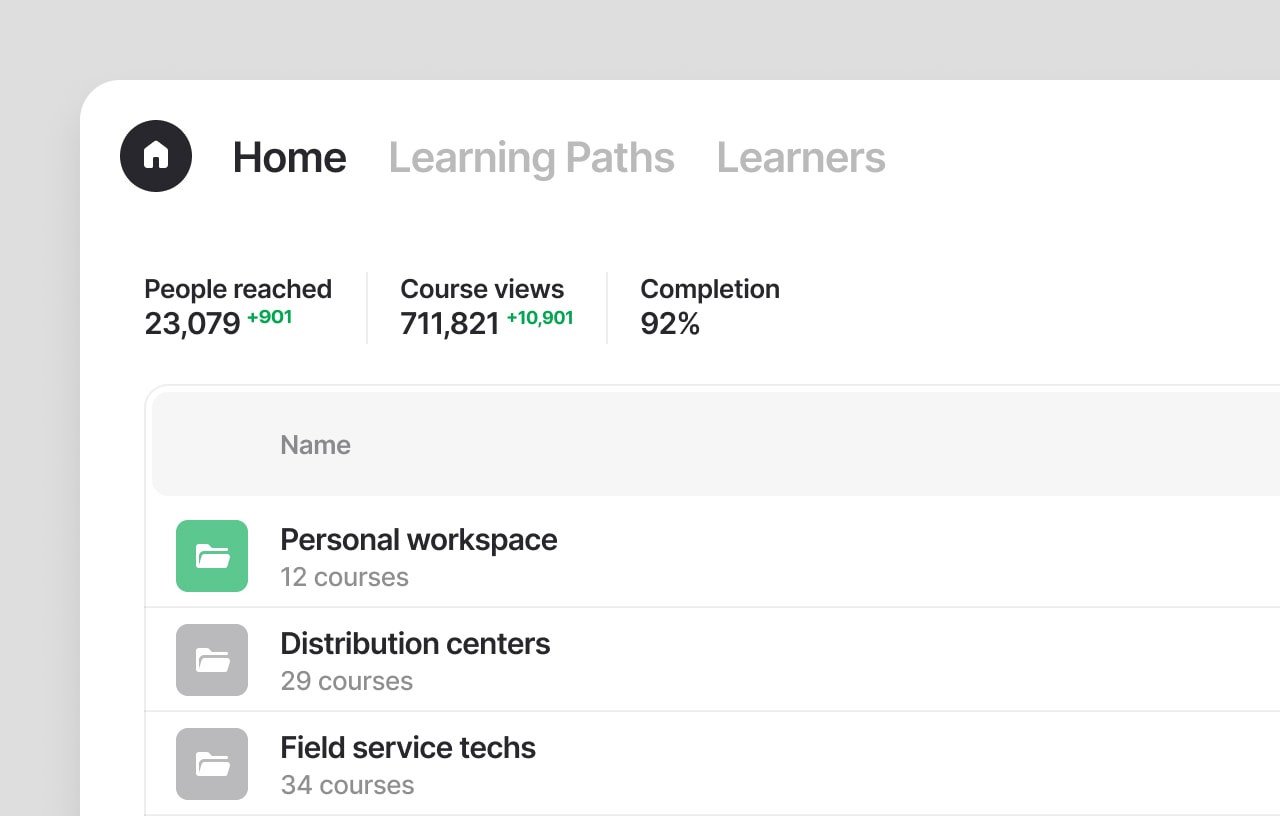
Learning delivery at a glance
For accounts with regular activity, the home page now displays key learning metrics at the top. No setup needed. These cover your whole account — every course, every team member, not just your own work.
Selective export for data export
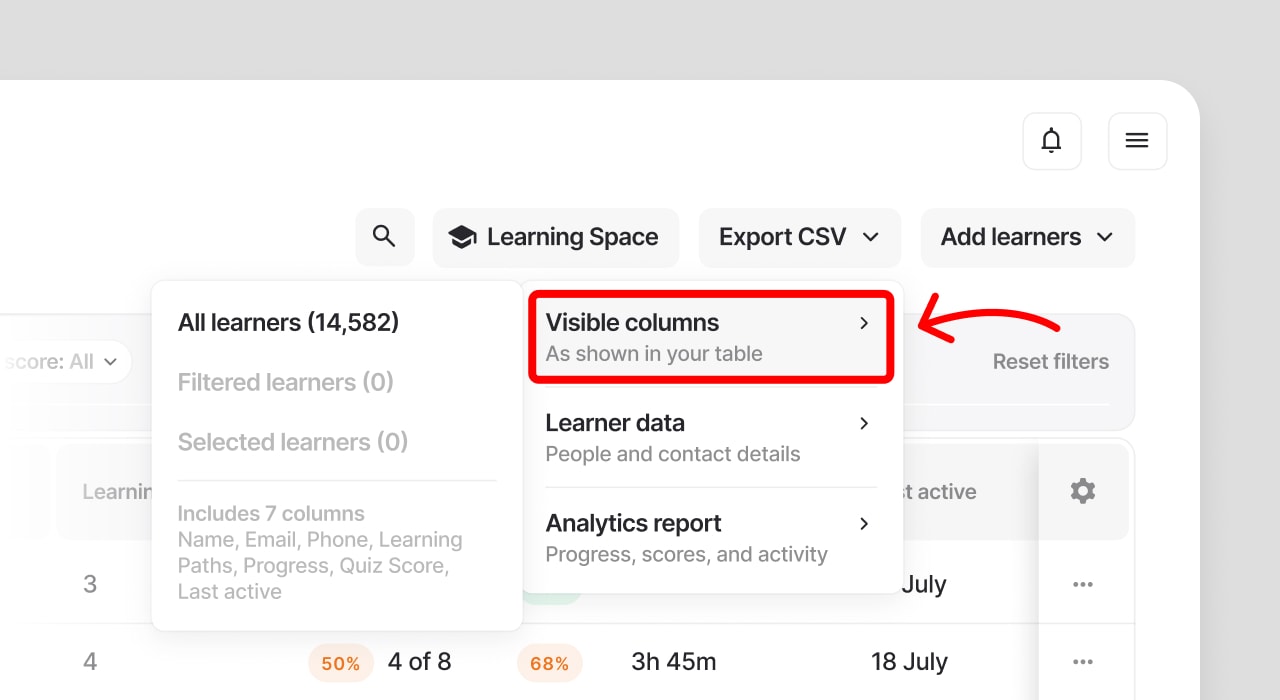
Running custom reports on your learners progress? Meet a new export view where you can pick visible columns and hide the rest.
Edit the table view, click Export CSV and select Visible columns to download your table in the current view. Effortless reporting is a thing.
Also in this release
Data that powers your reporting
Job title and Date of hire are now available as columns in the Learners table. Sort and filter by them directly in your workspace. Add them through HRIS sync, a CSV import or manually in a learner’s Info tab. Both fields are optional, like Team and Location.
Insight into invalid contacts
When you share a course via email, SMS, or WhatsApp, some contacts won’t go through. Invalid phone numbers. Missing email addresses. People in regions where SMS isn’t supported.
We want your learning to be delivered and seen.
Instead of a generic error, you now see exactly what doesn’t seem right — before you hit send.
Got questions? Book a demo or message support in the chat.