Most companies don't train one audience. Head office usually gets its training through an LMS behind company SSO, and that part mostly works. The harder part is everyone the LMS never reaches: partners, like dealers and franchisees, who never get an LMS login, and frontline teams, like store staff and drivers, who often have a phone number but no company account.
Getting training access control right outside the LMS has usually meant a compromise. Either everything is open to anyone with the link, or each group gets its own separate setup to manage.
In 7taps, each audience can come in its own way. Each workspace can have its own sign-in, domain and branding, a link or QR code can open only for the people you've added, and you can see who each course actually reached.
Training access control starts with the workspace
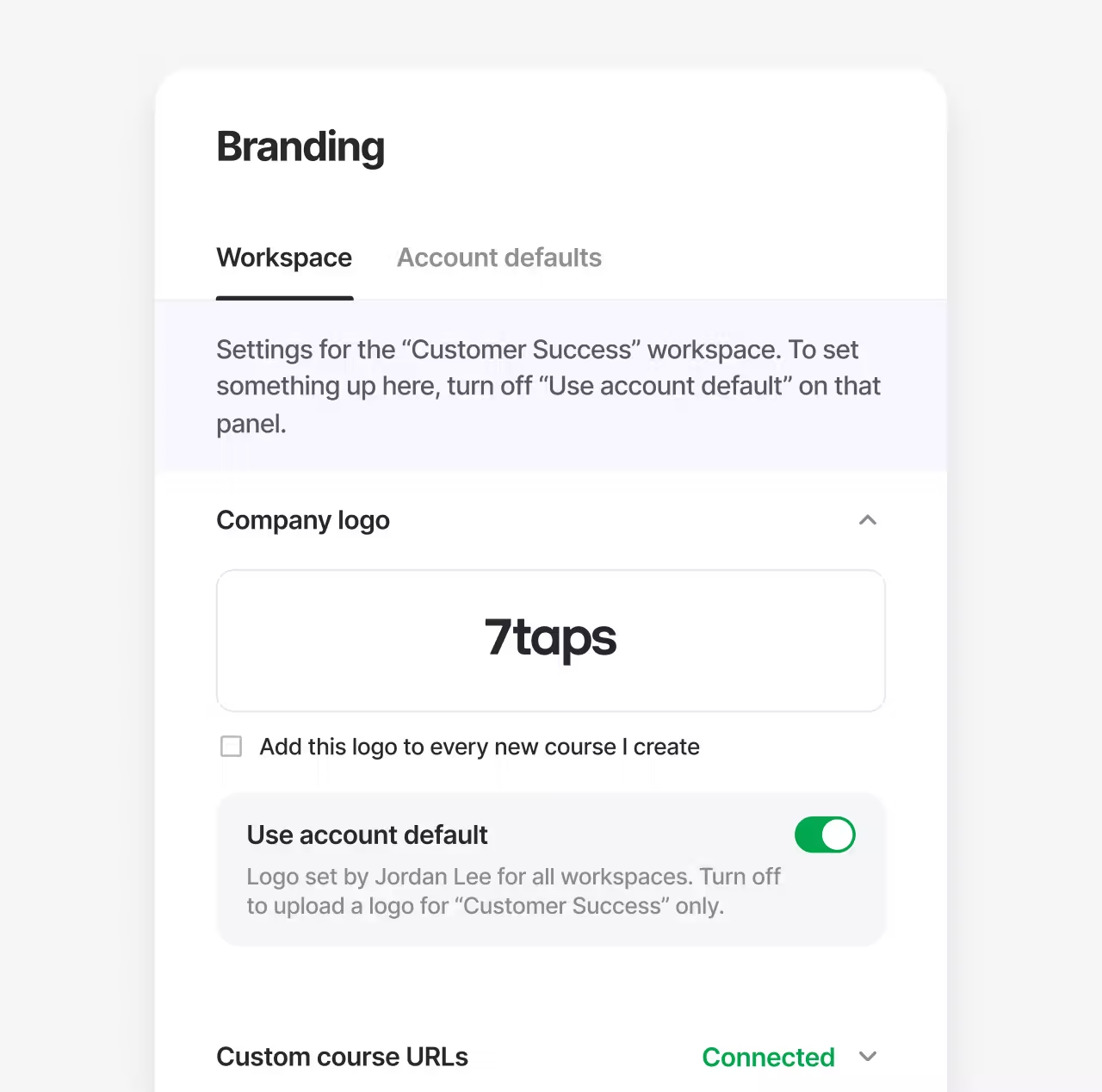
A Team in 7taps can hold several workspaces, one per department, region, brand or audience. Each workspace can have its own Learner SSO, Slack and Microsoft Teams connection, custom domain, custom email, xAPI connection, branding and default sharing message.
Nothing changes until you decide it should. Every setting has a Use account default switch, and a workspace keeps the Team's setting until someone turns it off.
Picture a company that sets up a workspace just for partners. It gets its own domain and logo, and it stays open, so partners reach their resources without a company account. The company's main workspace keeps its own sign-in and branding, and both live in one Team, with one people directory and one set of seats.
Links and QR codes that only open for your people
Frontline teams are a different case. Their courses are often internal, but most frontline employees aren't in your identity provider, so SSO can't protect what they open.
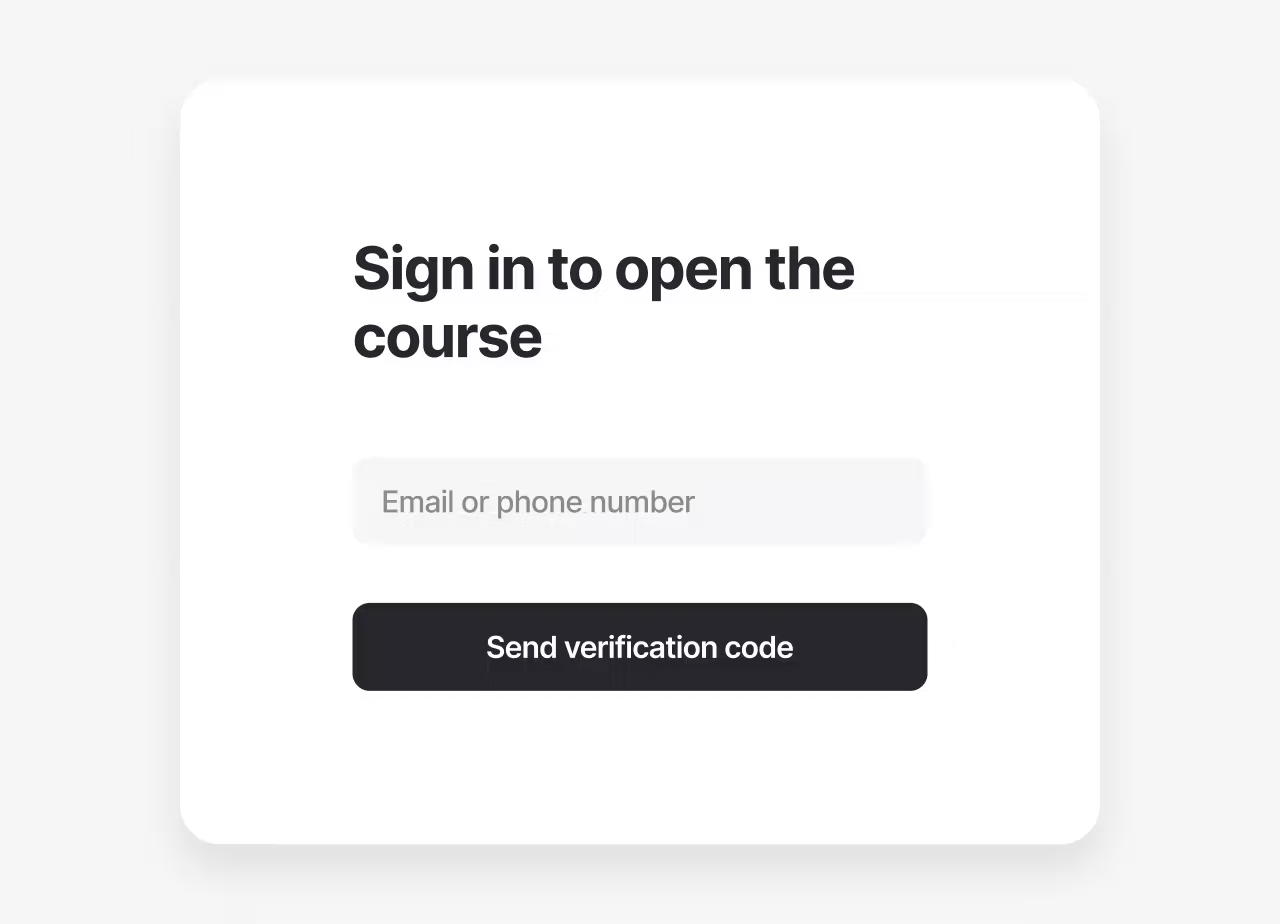
With Access for your learners only, a course or folder shared by link, QR code, iframe or SCORM opens only for people you've added in Learners. Before the course loads, they enter their email or phone number and get a one-time code. Nobody needs an account or a password.
That means a QR code can go on a break room wall, or a link can go into a shift group chat, without the course leaving the company if someone passes it on. Because everyone confirms who they are, you also see each person under their own name in your reports, even when they scanned a code.
See who each course reached
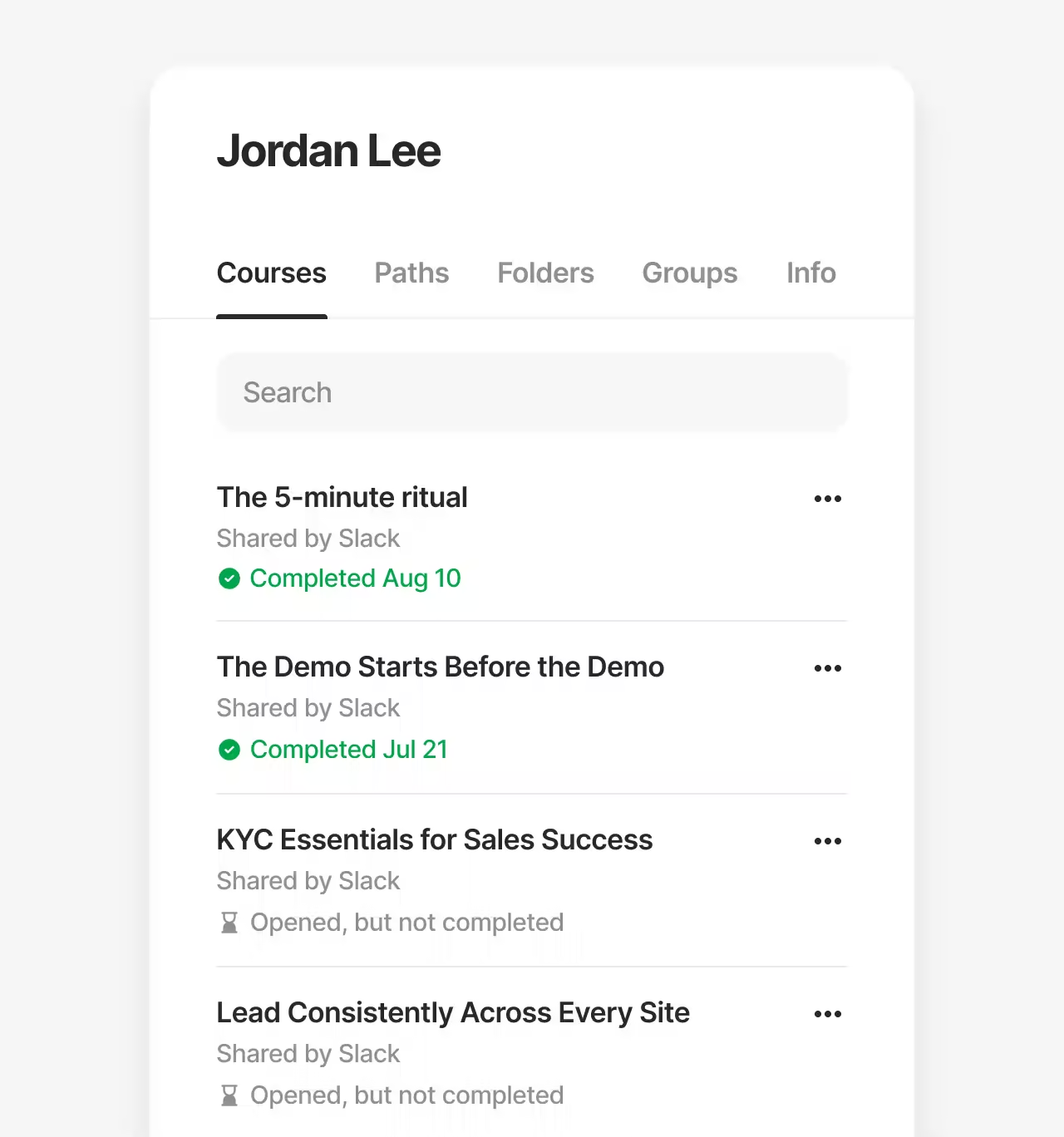
Once access fits the audience, the next question is whether the course got there. On Enterprise plans, course and Learning Path analytics show anyone a course was sent to but didn't reach, by email, SMS, WhatsApp, Slack or Teams. Completion dates appear in learner stats, Learning Path analytics and exports on every plan, so you can show when each person finished.
Light setup for the people who run it
Partners and frontline teams all sit in one people list. Teams can keep it in sync with their HR system, Enterprise Teams can also sync over SFTP, and admins can remove people who have left in bulk with a CSV after checking a preview. When SSO is needed, the person who manages your identity provider enters the settings on its own setup page.
Training access control that fits each audience
That way, one Team can serve every audience on its own terms. Desk-based employees keep training in the LMS behind SSO. Partners get an open workspace on their own domain. Frontline teams scan a QR code and confirm with a text, and only the people on your list get in.
Each group gets the access that suits it, and everyone outside the LMS lives in one people list and one set of reports. That's training access control built around who you train, not around one login.
For the full list of changes in each release, visit What's new in the 7taps community.